
Overview
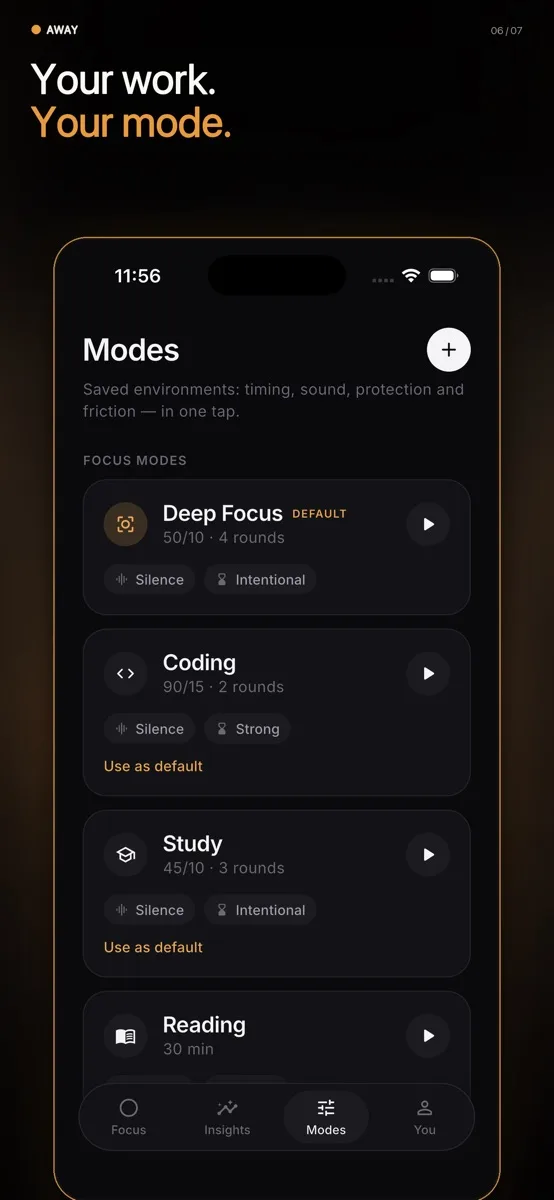
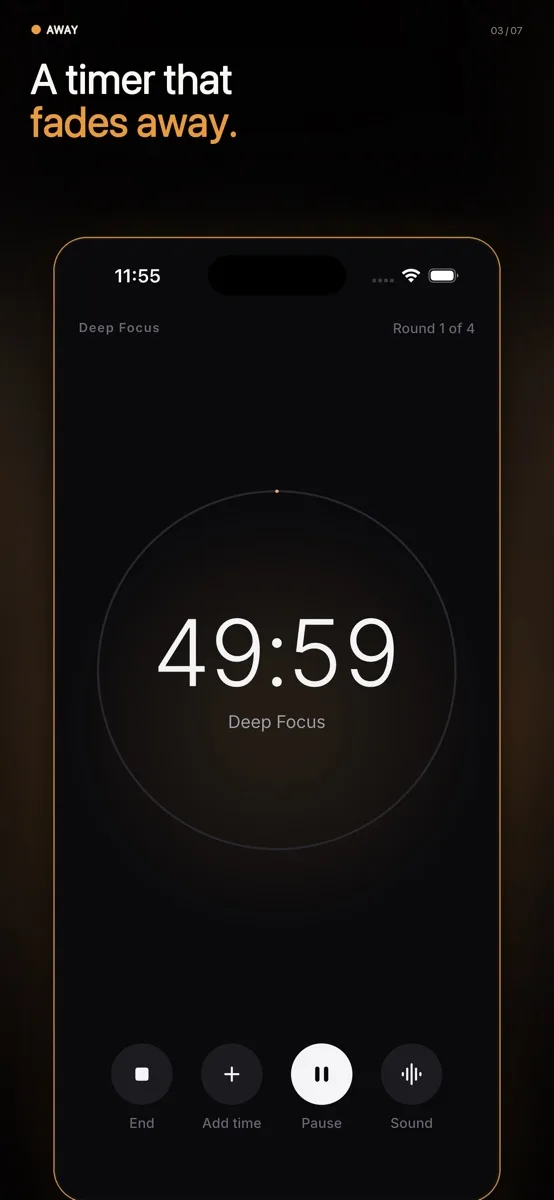
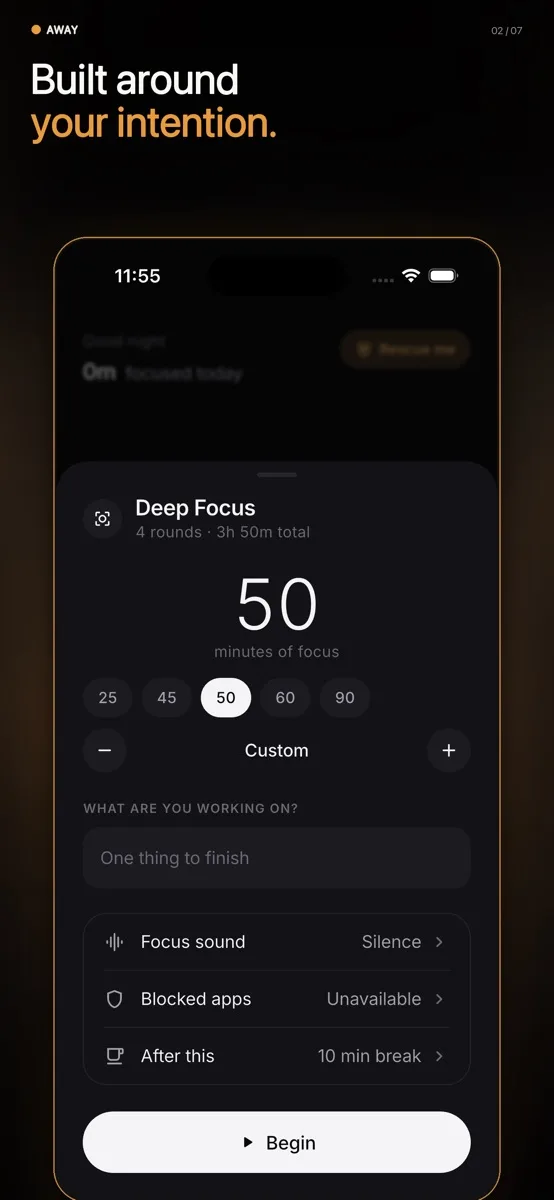
Pick one thing to finish, choose how long, and start; the apps that usually pull you away stay closed until the timer ends. Open one anyway and Away steps in front of it, shows what you were working on, and asks if you really need it. Pomodoro rounds, a Rescue Me button, Quiet Time hours, focus sounds, a home-screen widget, and insights into when your focus breaks.
In the app
6 screens · App Store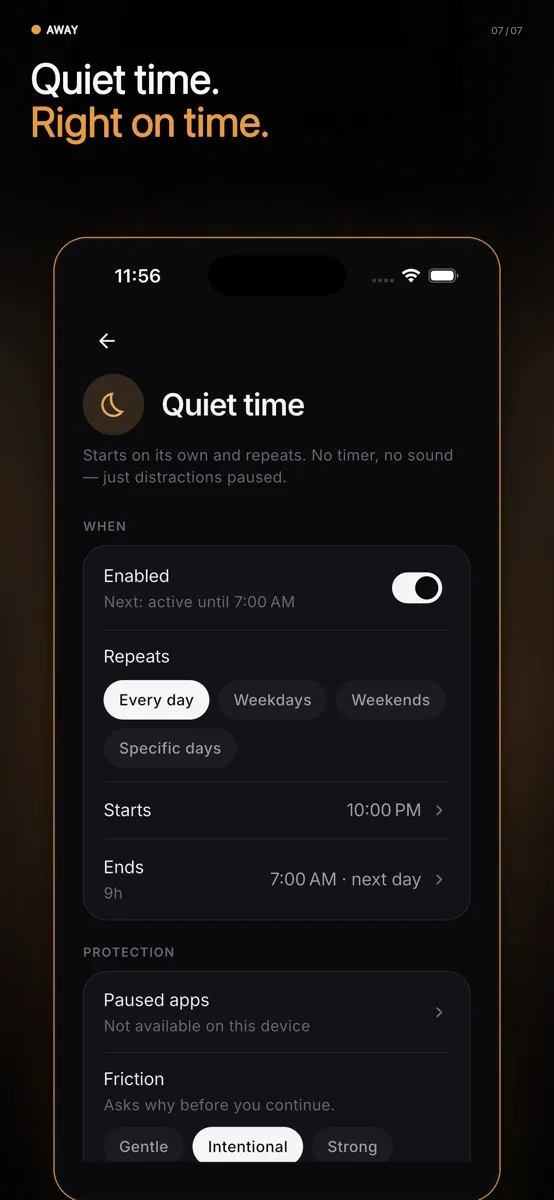
The problem
Most app blockers either nag or lock you out. Away blocks the apps that pull you away while a focus timer runs, and when you open one anyway it shows what you were working on and asks whether you really need it. Usually that one question is enough.
How it was built
A timer with one-tap 25, 50 and 90 minute sessions or full Pomodoro rounds, six timer looks, and a blocking screen that steps in front of chosen apps. Quiet Time hours run on their own and survive a restart. Everything lives in a small database on the phone: no account, no ads, no analytics, no cloud. Permissions are optional and explained in the app, and no accessibility service is used.
What it does
- 01Focus sessions: one tap for 25, 50 or 90 minutes, or Pomodoro with rounds and breaks
- 02Blocking that asks, not nags: see what you were doing, then stay or unlock on purpose
- 03Rescue Me: silence distracting apps for 15, 30 or 45 minutes with no setup
- 04Quiet Time: off-limits hours, like 11pm to 7am, that keep running after a restart
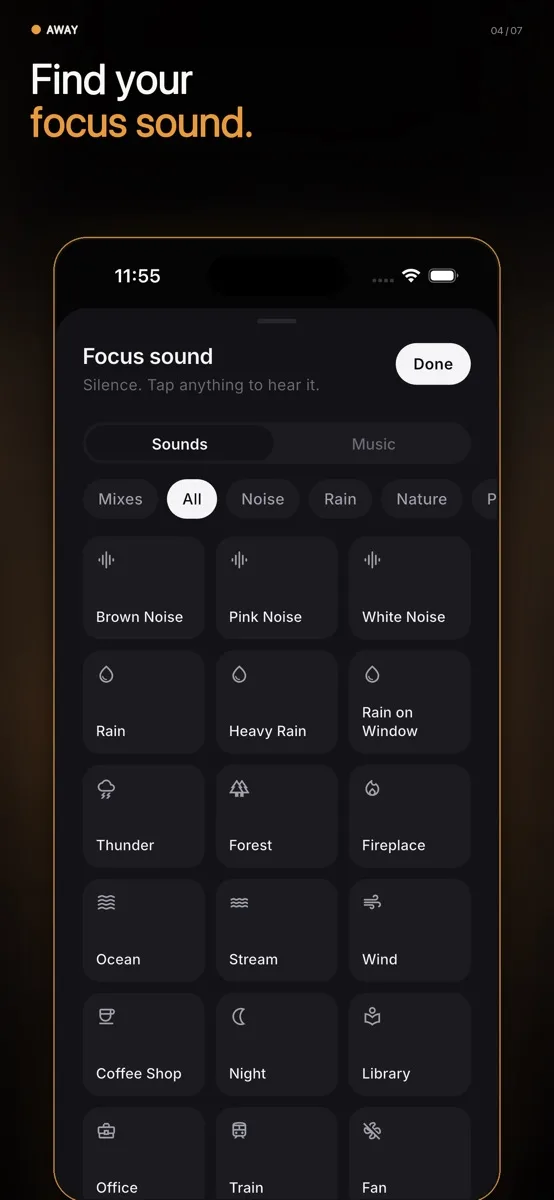
- 05Sounds to work to: rain, cafe, forest, brown noise, lo-fi, saved offline once played
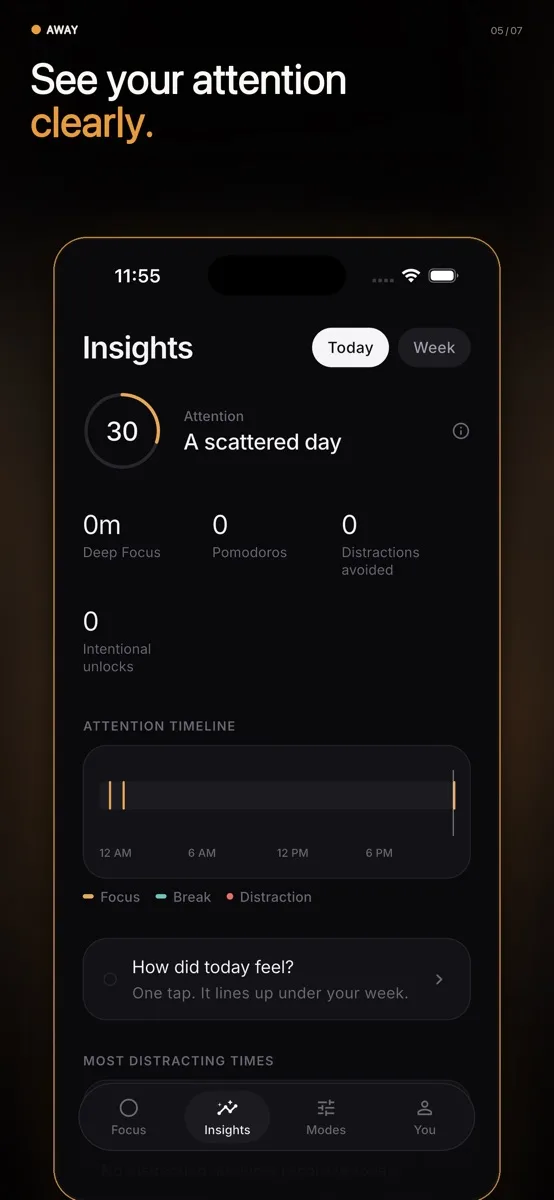
- 06Insights: which apps you walked away from, when your focus breaks, screen time and pickups
What I took from it
Counting how often you show up, instead of streaks, means one missed day does not wipe out progress. Small design choices like that decide whether people keep a focus app.